

12 Oct 2009
Share Folders in Google Docs
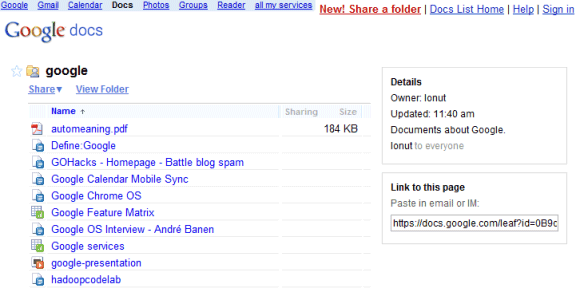
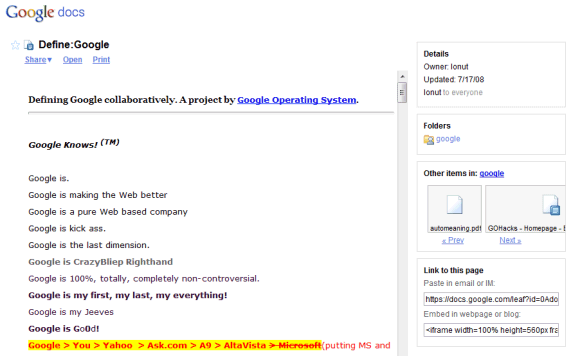
Google Docs has a new interface and an important new feature: sharing folders. You can now share folders with your contacts and even make some of your folders public. If you allow anyone to view or edit a folder, Google generates a publicly accessible URL for a page that lists all the files from your folder.
“When you share a folder, the new permissions are pushed to all sub-folders and docs within the folder. Normally this happens quickly, but occasionally, it could take a couple of minutes,” explains Google.
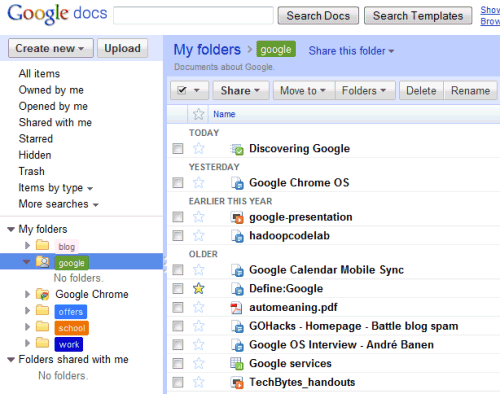
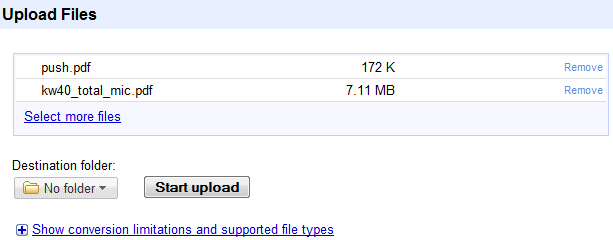
Another change is that Google Docs has a Flash uploader that lets you upload multiple files at a time and to place the files in a folder.